
 October 19, 2026
 2 min read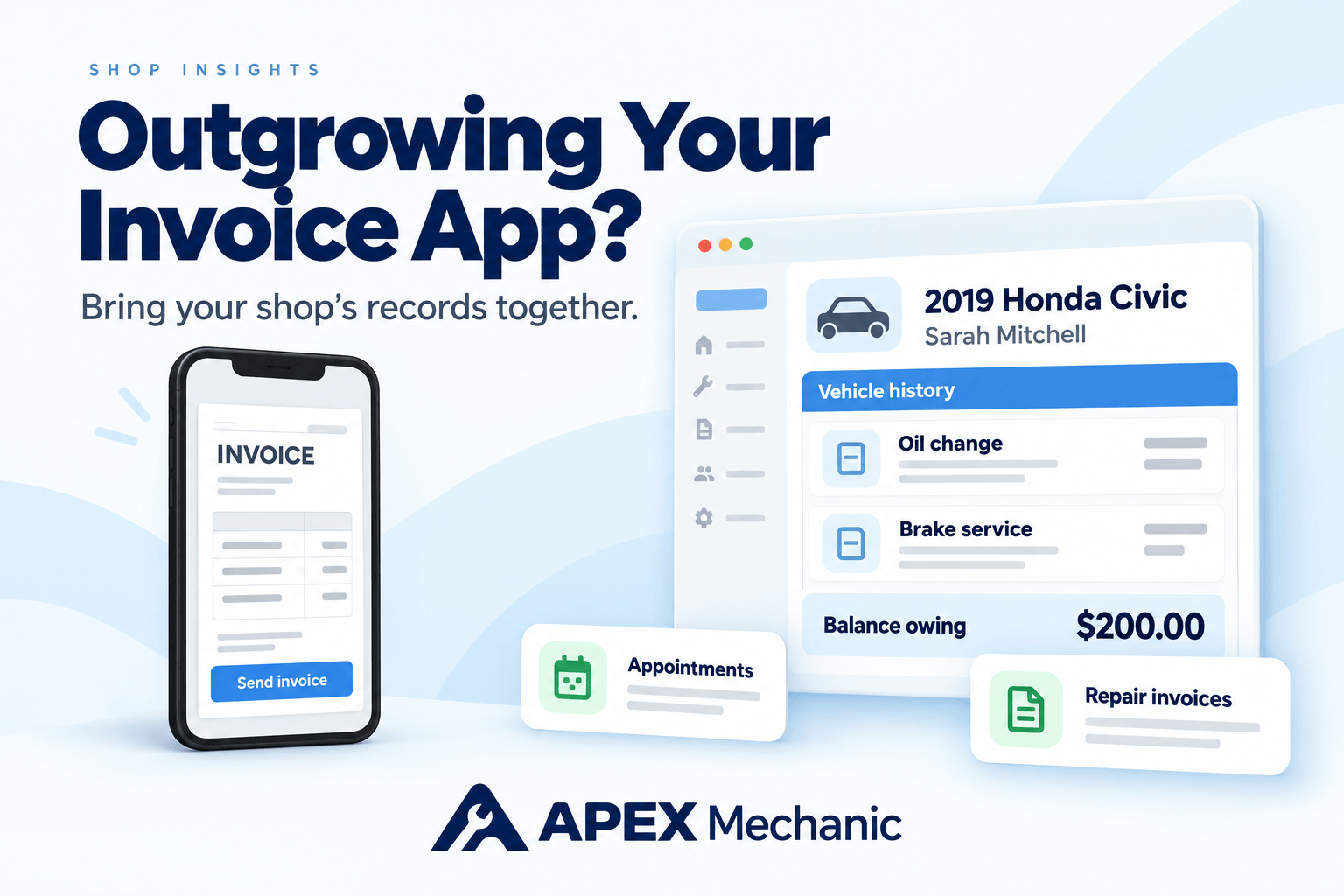
The Short Answer: Your Shop Needs More Than a Finished Invoice
A basic invoice app helps you create and send bills. Auto repair shop management software connects those bills to customers, vehicles, previous repairs, appointments, and payments. When you spend as much time finding job information as creating the invoice, it’s time for a system built around the shop’s daily work.
Apex Mechanic brings these tasks together for independent Canadian auto repair shops. You can create repair invoices, look up vehicle service history, manage appointments, and see what customers still owe in one simple system.
The upgrade is about making the whole job easier—from finding the correct vehicle to answering a question about its last repair.
Signs Your Repair Shop Has Outgrown Its Invoice App
An invoice app can produce a professional bill while leaving you to organize everything around it. That extra work becomes harder to ignore when the shop gets busier or someone else starts helping with administration.
You may recognize a few of these problems:
- Vehicle details keep getting typed again. The customer is saved, but the VIN, licence plate, or vehicle information lives in invoice notes.
- Previous repairs take too long to find. You open several bills to work out which vehicle they belong to.
- Appointments live somewhere else. Your calendar, notebook, or messages hold details that never make it into the shop’s records.
- Payment questions mean more checking. You compare an invoice with a separate note or payment record before confirming the balance.
- The business depends on your phone. Someone else needs information that you’re the only person able to find.
- Paperwork follows you home. You finish the invoices during the day, then spend the evening sorting the records.
These are signs that your shop needs connected records, rather than another invoice template.
Start With Customer and Vehicle Records You Can Actually Use
In auto repair, a customer name is only part of the story. One customer might bring in a work truck, a personal car, and a family member’s SUV. You need to know which vehicle received which repair.
Look for a system that gives each vehicle its own service record and connects it to the correct customer and previous invoices.
For example: A customer calls and asks whether you replaced the brakes on their Civic or their CR-V last spring. Your team should be able to open the right vehicle and find the invoice, without waiting for you to remember.
In Apex Mechanic, customer and vehicle records stay connected to repair invoices entered in the system. Search by VIN or licence plate to find the vehicle, then look up its recorded repairs and maintenance.
That makes the information useful to the whole team—not just the person who remembers the job.
Make Everyday Repair Invoicing Faster
Your next system should make familiar jobs easier to bill. You shouldn’t have to rebuild the same oil change or brake service from scratch every time.
Look for repair invoicing tools that let you:
 Select an existing customer and vehicle.
- Add parts, labour, and services to the same invoice.
- Reuse common jobs with saved services, also called canned jobs.
- Create an invoice directly when the work is ready to bill.
- Prepare an estimate when a customer needs a quote first.
- Convert the estimate into an invoice without retyping the job.
- Print or email a clear, itemized invoice.
Apex supports this everyday repair invoicing process. Saved services fill in common parts and labour, and you can adjust the quantities or prices for the job in front of you.
For Canadian repair shops, Apex also supports configurable GST, HST, PST, and QST, with tax settings for parts, labour, and other invoice items. During setup, use the tax settings your accountant has confirmed for your business.
Explore Apex Mechanic’s repair invoicing features.
See What Each Customer Still Owes
Sending an invoice is one task. Keeping track of the payment is another.
Your next repair shop system should make it easy to record a payment, see the remaining balance, and find the invoice behind it.
For example: A repair invoice totals $600, including tax. The customer pays $400 and will pay the remaining $200 later. Your team needs to see that $200 balance and record the next payment without working it out again from separate notes.
Apex Mechanic tracks paid, partially paid, and unpaid repair invoices. You can review customer balances and prepare account statements for payment follow-ups.
The benefit is simple: when a customer asks what they owe, your team has a clear record to check.
Know Who Still Owes You—and How Much.
Explore Payment TrackingBring Appointments and Service History Into the Same System
An invoice tells you what was billed. Your shop also needs to manage the work leading up to that bill.
If appointments are in a notebook, customer messages are on your phone, and repair details are on loose paper, your team still has several places to check.
Apex Mechanic includes appointments, estimates, work orders and authorization, and customer messaging alongside invoicing and vehicle records. These tools help you keep more of the day’s work in one place.
That becomes especially useful when you hire a service advisor or office assistant. Instead of explaining where you keep every piece of information, you can teach them a clear routine for finding customers, checking records, and handling invoices.
You can begin with invoices, customer and vehicle records, and payment tracking. Add appointments, inventory, or messaging to your routine as your team gets comfortable.
Choose Access That Fits How Your Shop Works
If your current invoicing setup revolves around your personal phone, adding another employee can be difficult. They may need to wait for you to check a record or send them a screenshot.
Your next system should suit both the work you do around the shop and the administration you handle at a computer.
Apex Mechanic offers web access and a mechanic mobile app. During your demo, we’ll show you the tasks you want to handle on your phone and the work your team will do at a computer, so you can see how each fits your day.
Include the person who will use the system. Have them find a vehicle, create an invoice, and check a balance. A useful system should help them handle that work with less help from you.
Make the Switch With Help From the Founder
Years of records in an invoice app can make switching feel like a big job. You don’t have to work out the move alone.
With Apex Mechanic, you’ll work directly with the founder to get set up and learn the tasks your shop does every day. We’ll review your available customer lists, vehicle information, and export files, then explain what can be brought into Apex and how to keep older records accessible.
We’ll also review existing unpaid invoices so you have a clear plan for those balances before creating new invoices in the system.
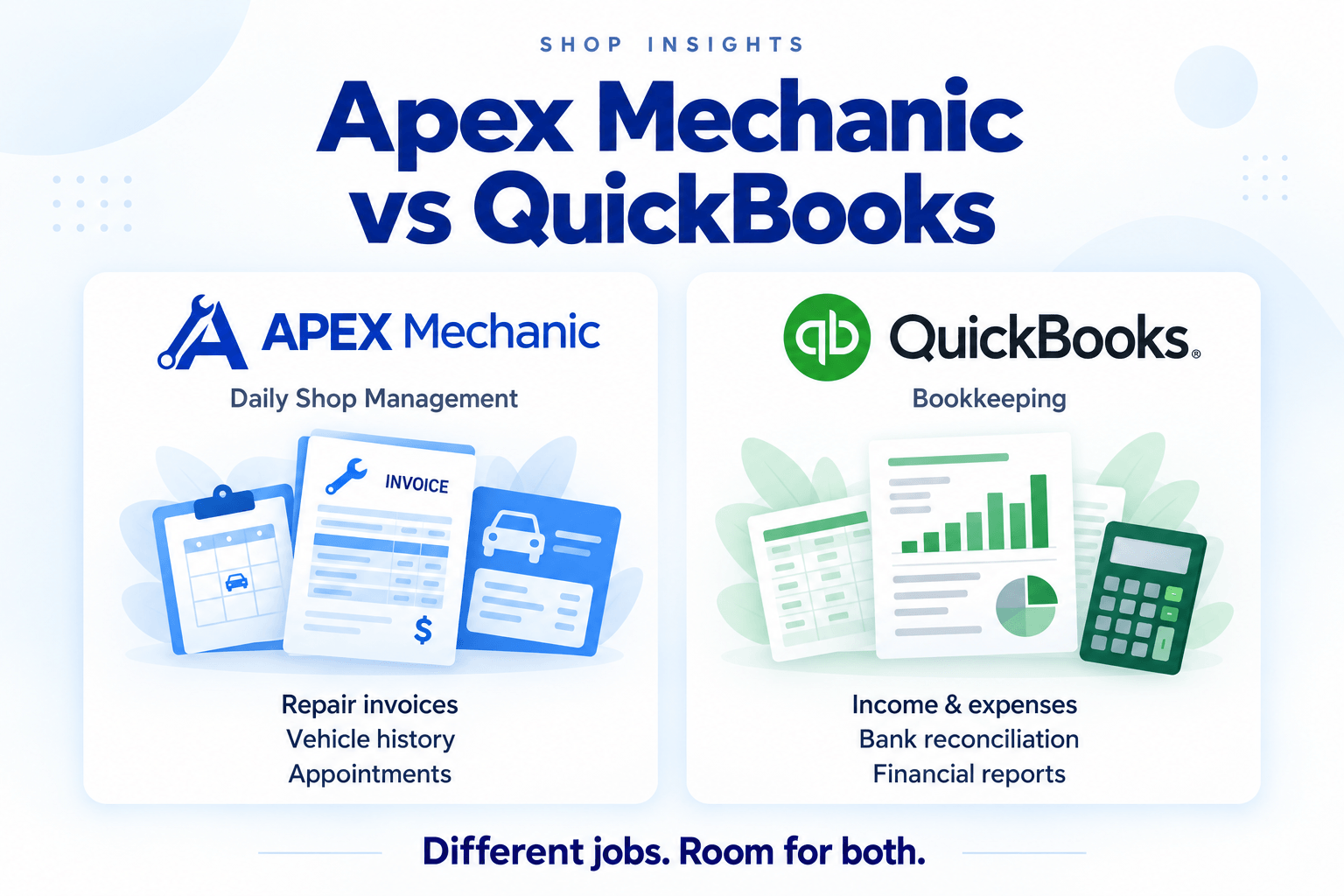
If you use QuickBooks or Wave for bookkeeping, you can keep it while moving daily shop work into Apex. Export sales reports in CSV or PDF format and share them with your accountant to help them update your books. Our QuickBooks vs auto repair shop software guide explains how the two systems serve different parts of your business.
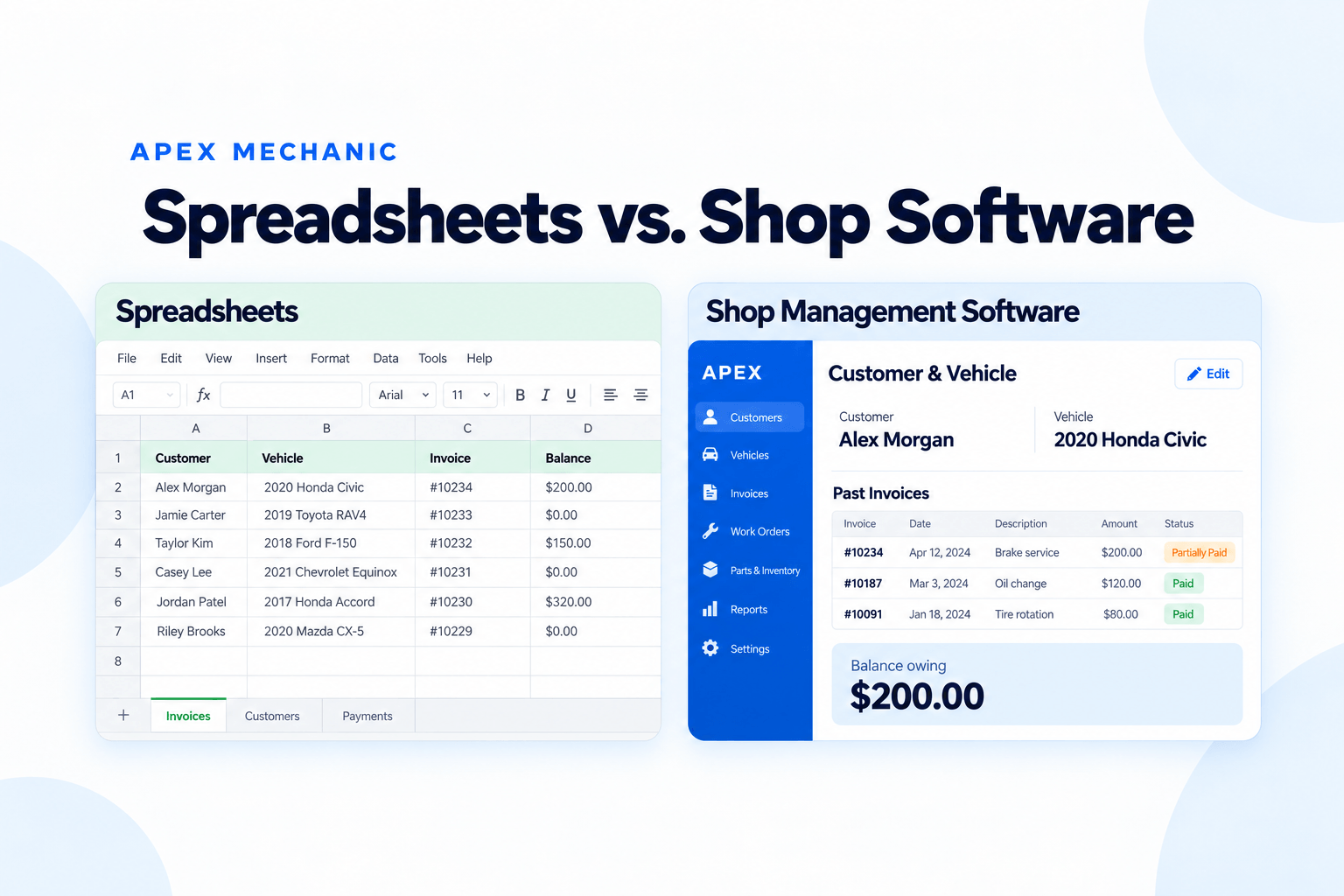
Choose a start date for new invoices, get comfortable with the core tasks, and build from there. Our guide to moving from paper or Excel to repair shop software also walks through record preparation, training, and a staged start.
See What a Recent Job Looks Like in Apex Mechanic
Bring a recent repair invoice to your demo. We’ll walk through how your team would:
- Find the customer and select the correct vehicle.
- Add the repair using familiar parts, labour, and saved services.
- Check the taxes and print or email the invoice.
- Record a payment and see any remaining balance.
- Find the invoice again through the vehicle record.
- Prepare a sales report to share with your accountant.
You’ll see how Apex Mechanic handles the work behind the invoice, with a chance to ask about your records, setup, and training.
Frequently asked questions
An invoice app focuses on creating bills and recording payments. Auto repair shop management software also organizes customers, vehicles, previous repairs, and daily shop work. Apex Mechanic connects repair invoices with vehicle service history, appointments, estimates, work orders, and customer balances in one system for independent Canadian shops.